


Morkblade MK60 Hall Effect PCB Keyboard Kit
A GH60-format Hall Effect PCB kit with 8K polling, rapid trigger and Morkblade Connect controls. Build it with a compatible case and supported magnetic switches.
A Hall Effect PCB kit for your custom GH60 build
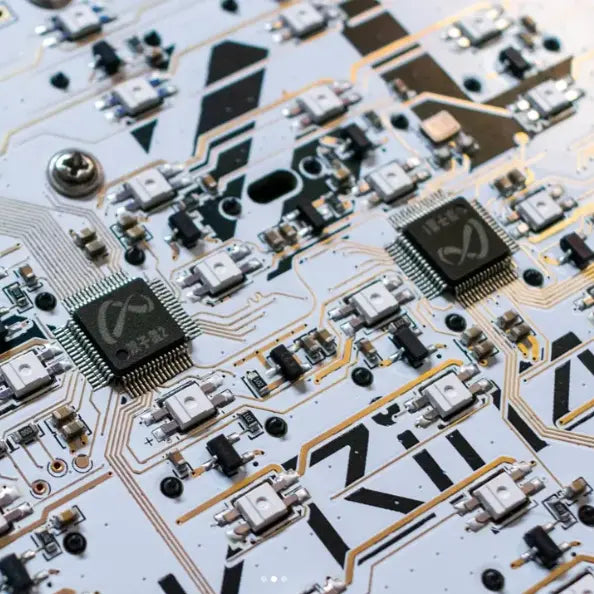
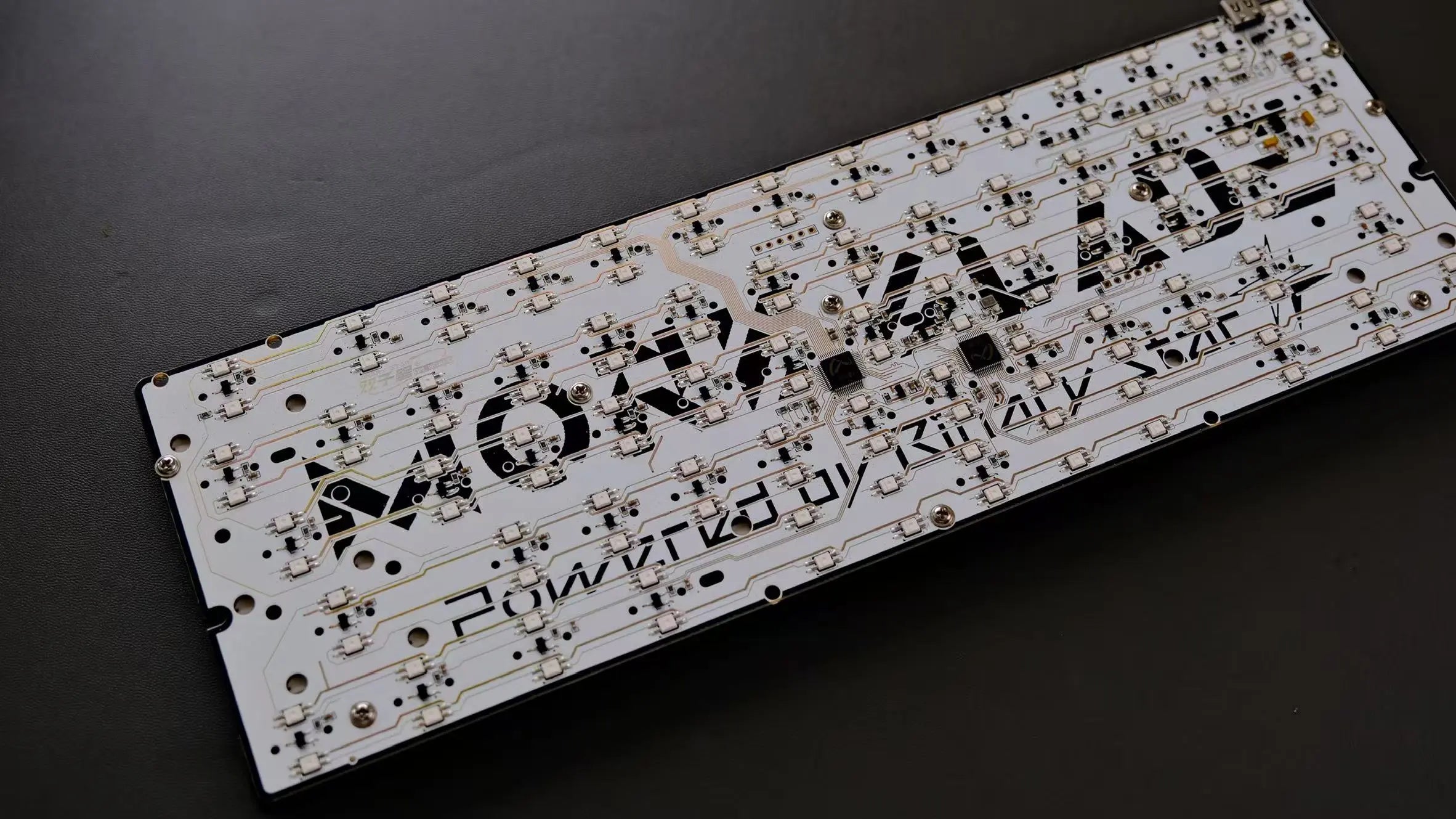
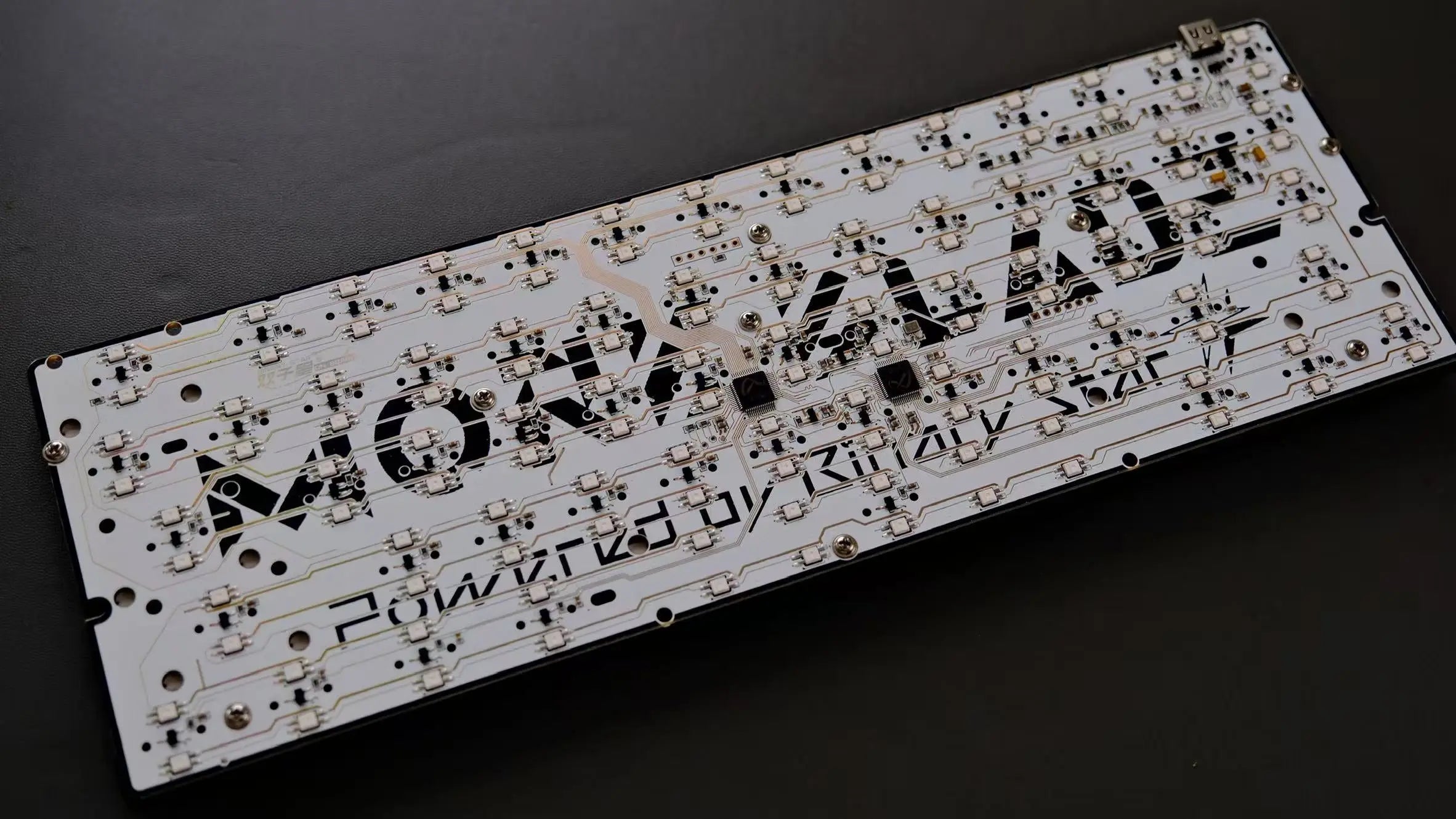
The Morkblade MK60 magnetic PCB kit brings Hall Effect sensing and per-key controls to a GH60-format keyboard build. Its dual-MCU architecture and two RGB lighting zones support the MK60 platform's adjustable actuation and rapid trigger features.
Controls and customization
- Hall Effect sensing for magnetic switches.
- 8K polling and adjustable key actuation.
- Rapid trigger controls for key reset behavior.
- Remapping, layers, macros and RGB settings through Morkblade Connect.
Use Morkblade Connect to configure your keyboard. Actuation and rapid trigger settings measure key travel; USB polling frequency and input latency are separate specifications.
Compatibility checklist
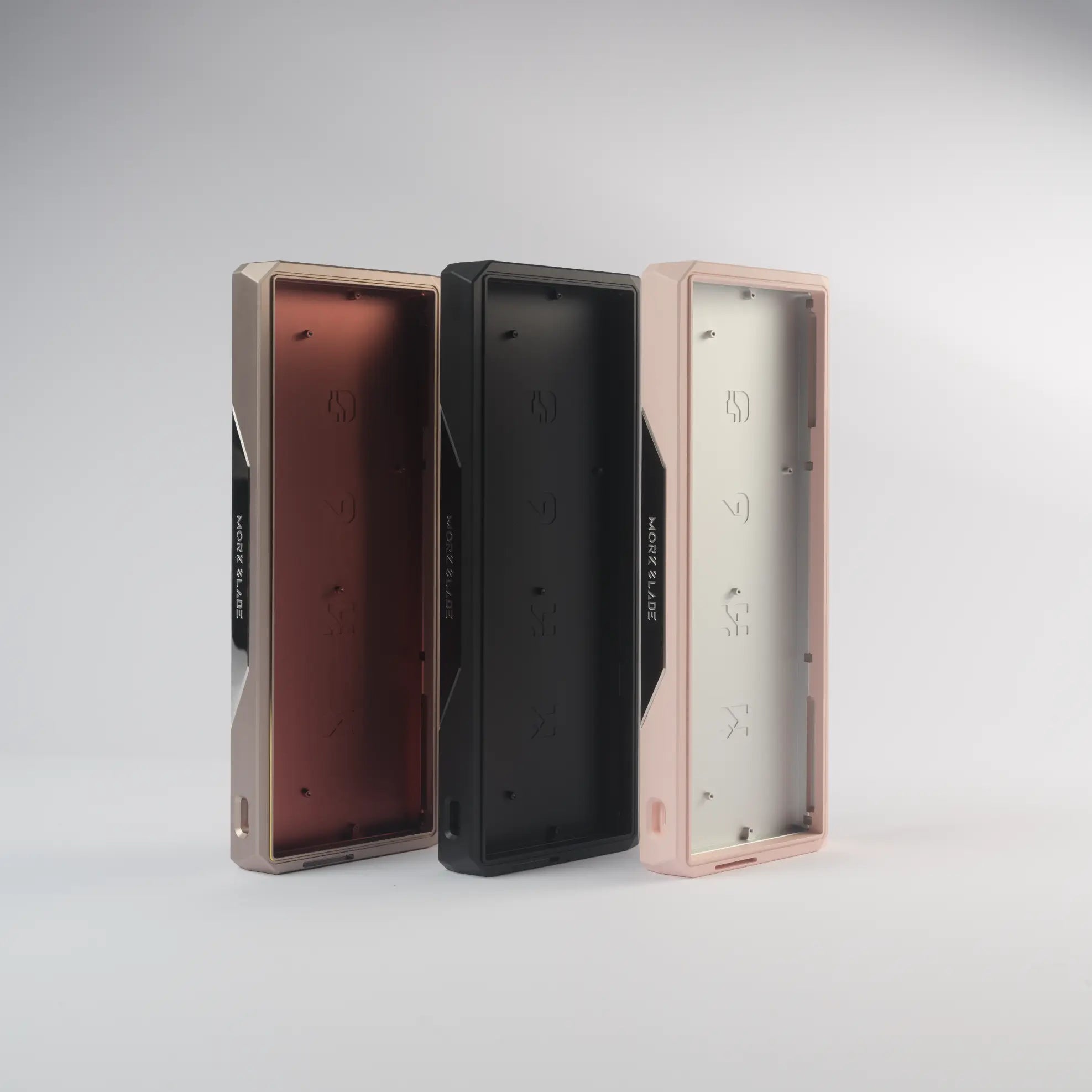
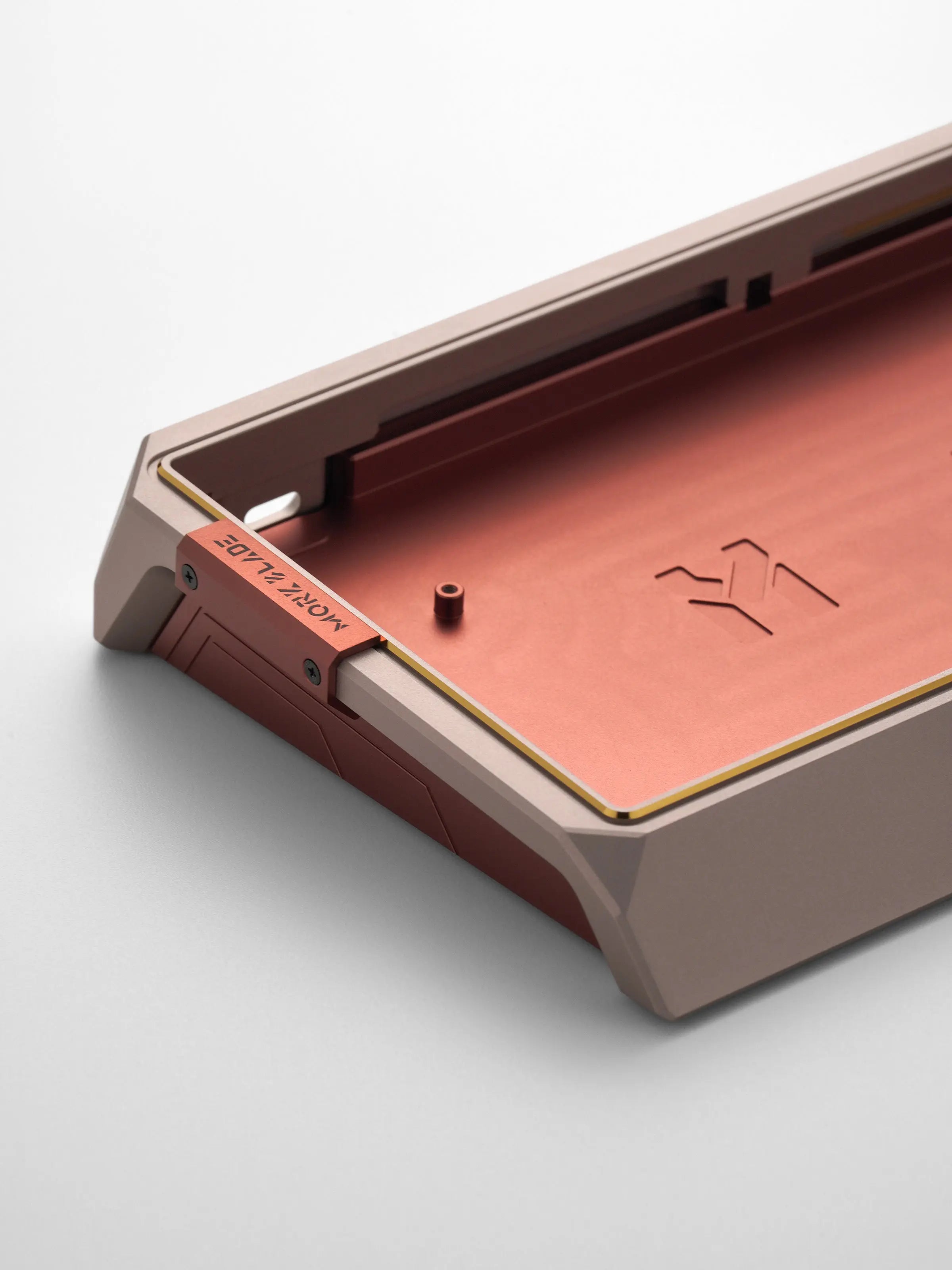
Match the PCB with supported magnetic switches, a suitable plate and a compatible GH60 case. Check screw positions, stabilizer clearance and USB-C placement before assembly. Magnetic-switch compatibility depends on the sensor and magnet arrangement, so conventional mechanical switches and unverified magnetic switches should not be assumed compatible.
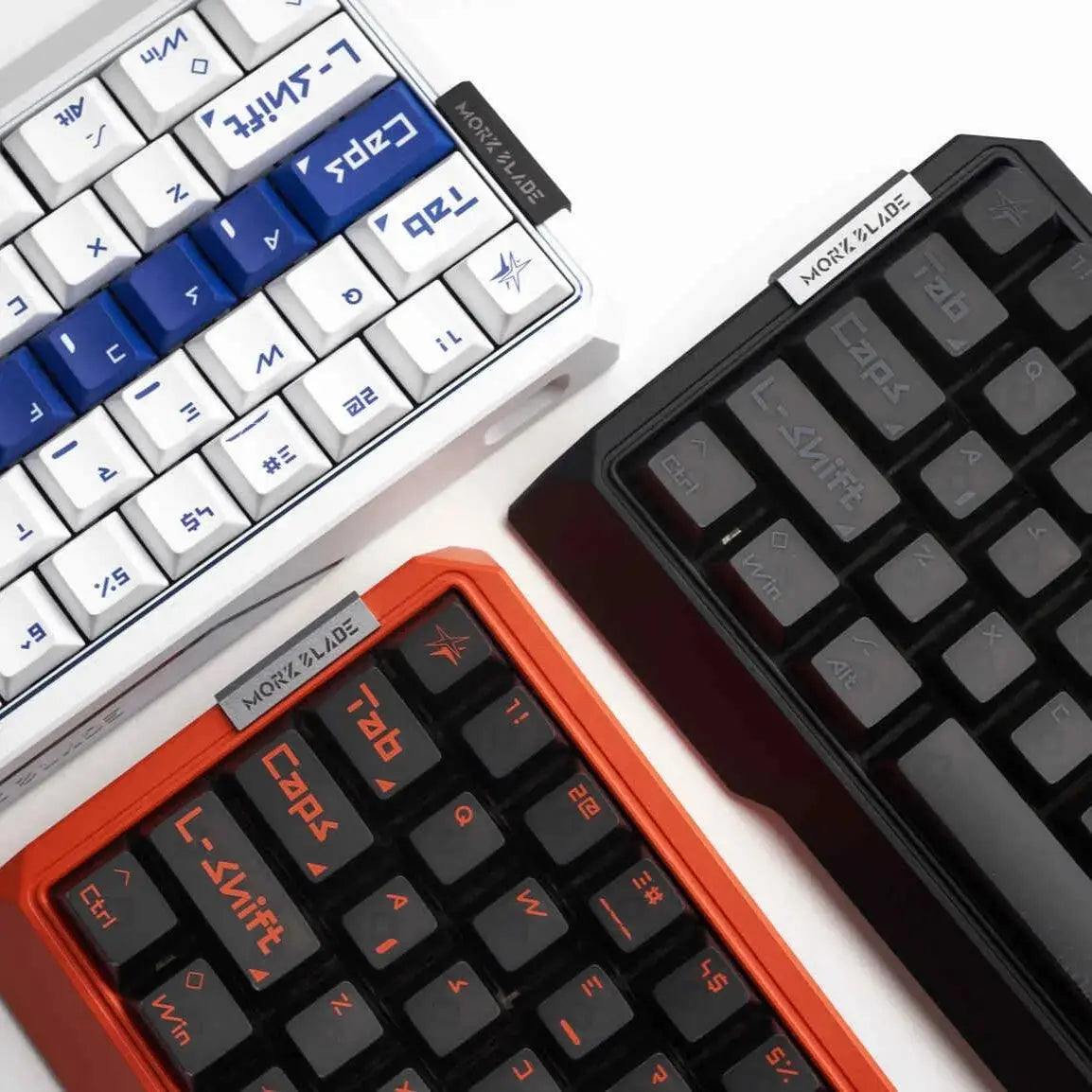
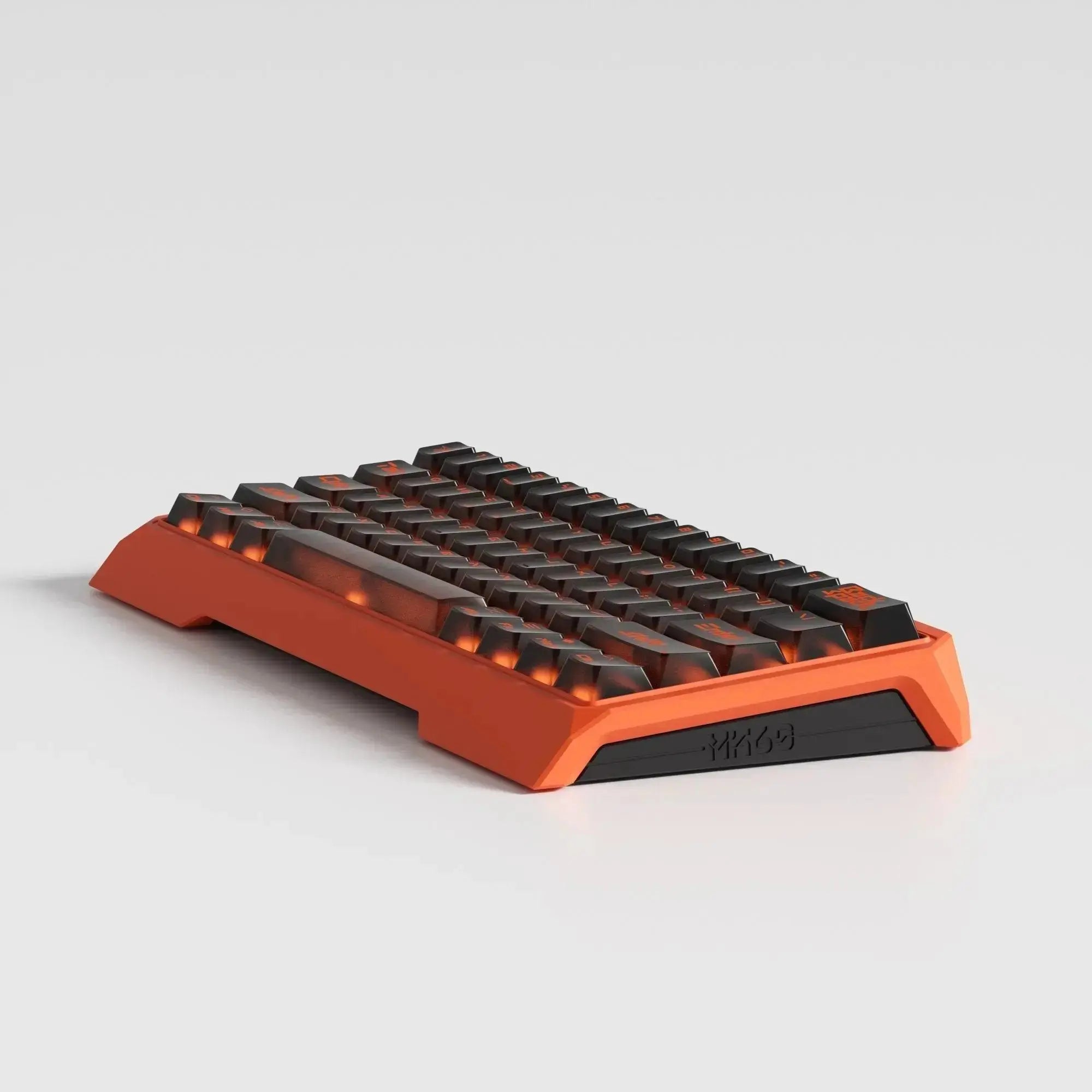
Explore the Morkblade GH60 aluminum case and the included-parts list below. For an assembled keyboard, choose the MK60 HE Hall Effect gaming keyboard.
Hall Effect, Your Way
Bring adjustable key behavior to your custom GH60 build. The MK60 PCB kit combines magnetic sensing with 8K polling and per-key controls.
Pair it with supported magnetic switches and a compatible case, then tune actuation, rapid trigger and lighting in Morkblade Connect.
Explore Morkblade ConnectTune It in Connect
Start with actuation and rapid trigger, then arrange your key functions and lighting. Test each change on your assembled keyboard.

Performance Focused

Rapid Trigger

Safezone Control

Pre-Set Gaming

Flexible RGB
Check Your Parts
Match your case, switches and plate before ordering. Review the included parts so you can plan the rest of your build.
- Choose a GH60-format case with matching mounting points and USB-C clearance.
- Use magnetic switches supported by the MK60 sensor and magnet arrangement.
- Check the plate layout, switch fit and stabilizer clearance.
- Plan the keycaps and wired USB-C connection for your assembled keyboard.
Conventional mechanical switches and unverified magnetic switches should not be assumed compatible. Contact Morkblade with your parts list before ordering if you need a fit check.
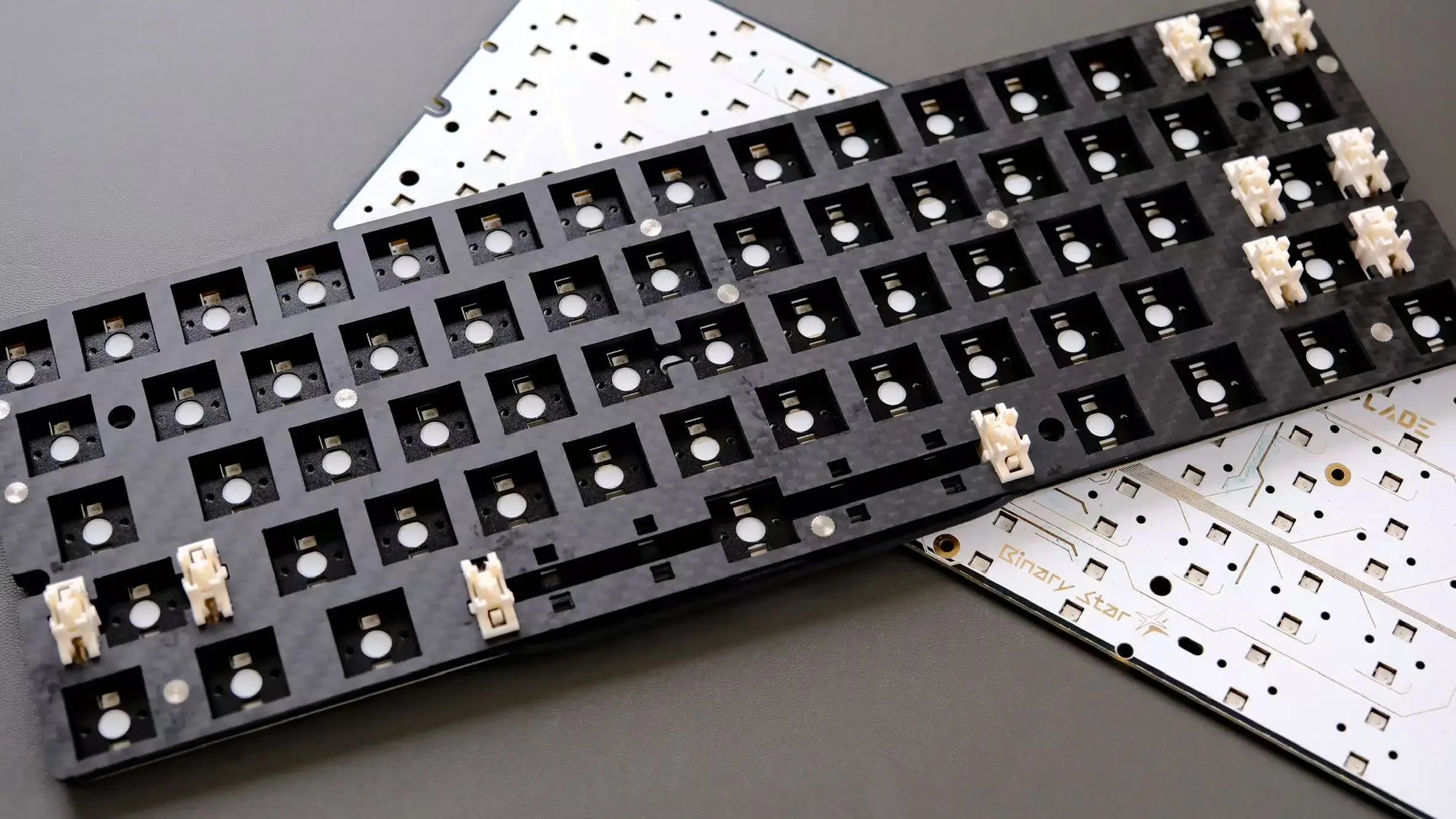
- MK60 Hall Effect PCB ×1
- Stabilizer set ×1
- Carbon-fiber positioning plate ×1
- Switch-seat foam ×1
- Sandwich foam ×1
- Bottom foam ×1
- Under-switch pad ×1
- PET sheet ×1
- Instruction card ×1
This is a component kit for assembly. Check your switch, keycap, case and cable requirements before ordering.
Built for Hall Effect
8K polling, magnetic sensing and per-key controls on the MK60 platform.

USB polling rate
Compact 60% layout
MK60 control architecture
RGB lighting
Inside the MK60 PCB

Hall Effect sensors measure magnetic switch travel. Adjustable actuation lets you choose where a keypress registers, while rapid trigger adjusts reset behavior as the switch moves.
Polling frequency describes USB reports per second. Actuation and rapid trigger describe key travel; these are separate settings.

The dual-MCU architecture supports the MK60 platform’s magnetic sensing and per-key controls. Two RGB lighting zones add lighting options to your finished build.
Match the PCB with supported magnetic switches and a compatible plate to complete the sensing system.
Set actuation and rapid trigger, remap keys, and configure layers and macros in Morkblade Connect. Adjust RGB lighting to suit your setup.
Test your changes on the assembled keyboard and save the settings that feel right for your use.
Hall Effect sensors measure magnetic switch travel. Adjustable actuation lets you choose where a keypress registers, while rapid trigger adjusts reset behavior as the switch moves.
Polling frequency describes USB reports per second. Actuation and rapid trigger describe key travel; these are separate settings.
The dual-MCU architecture supports the MK60 platform’s magnetic sensing and per-key controls. Two RGB lighting zones add lighting options to your finished build.
Match the PCB with supported magnetic switches and a compatible plate to complete the sensing system.
Set actuation and rapid trigger, remap keys, and configure layers and macros in Morkblade Connect. Adjust RGB lighting to suit your setup.
Test your changes on the assembled keyboard and save the settings that feel right for your use.
Complete your build
MK60 PCB kit questions
Is this a complete keyboard?
This is a PCB component kit for assembly. Plan a compatible case, magnetic switches, keycaps and cable. The complete MK60 HE keyboard is available separately.
Can I use conventional mechanical switches?
This PCB uses magnetic Hall Effect sensing. Conventional mechanical switches should not be assumed compatible. Confirm the supported magnetic switch and magnet arrangement for the MK60 before choosing switches.
Will it fit my GH60 case?
Check the PCB dimensions, mounting points, USB-C position, plate fit and stabilizer clearance against your case. The Morkblade GH60 case is designed around the MK60 platform.
How do I configure the PCB after assembly?
Use Morkblade Connect for actuation, rapid trigger, remapping, layers, macros and RGB settings. Test changes on your assembled keyboard before relying on a new profile.
What does 8K polling mean?
8K polling describes a USB reporting frequency of 8,000 Hz. It is separate from the distance settings used for actuation and rapid trigger, and from end-to-end input latency.
Where can I check shipping and returns?
Read our shipping policy and refund policy, or Contact Morkblade with an order question.