

Introduction
Magnetic keyboards are exploding in popularity—and fast. But many gamers still aren’t sure what makes them different from regular mechanical keyboards. As the founder of MorkBlade, I created this guide to break everything down in simple, honest terms.
- If you’ve ever wondered:
- What’s the difference between magnetic and mechanical keyboards?
- Is magnetic actually better for gaming?
- Why are people switching from 60% mechanical keyboards to 60% Hall Effect keyboards?
This guide will explain it all, from technology to gaming performance.

🔶 1. TECHNOLOGY
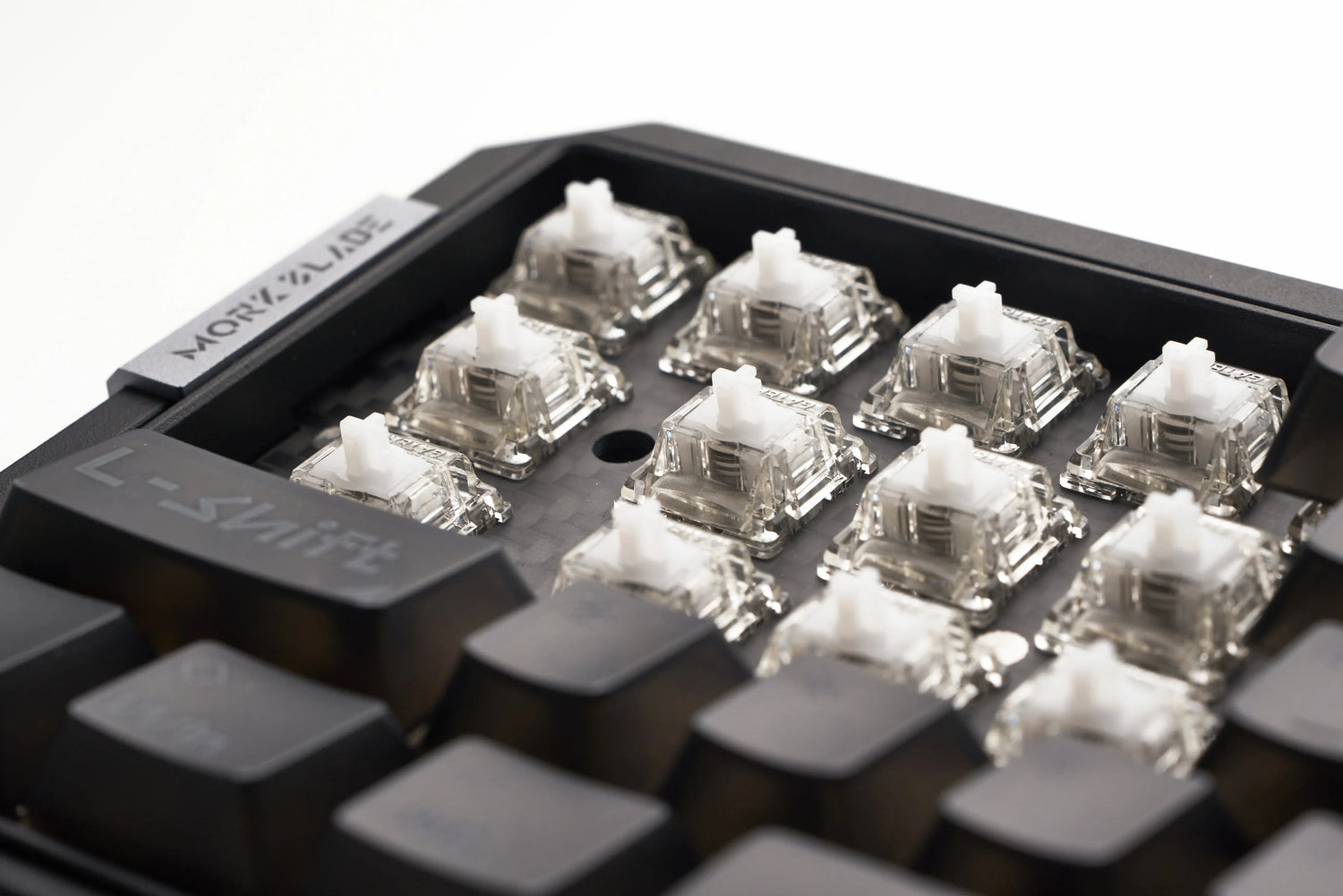
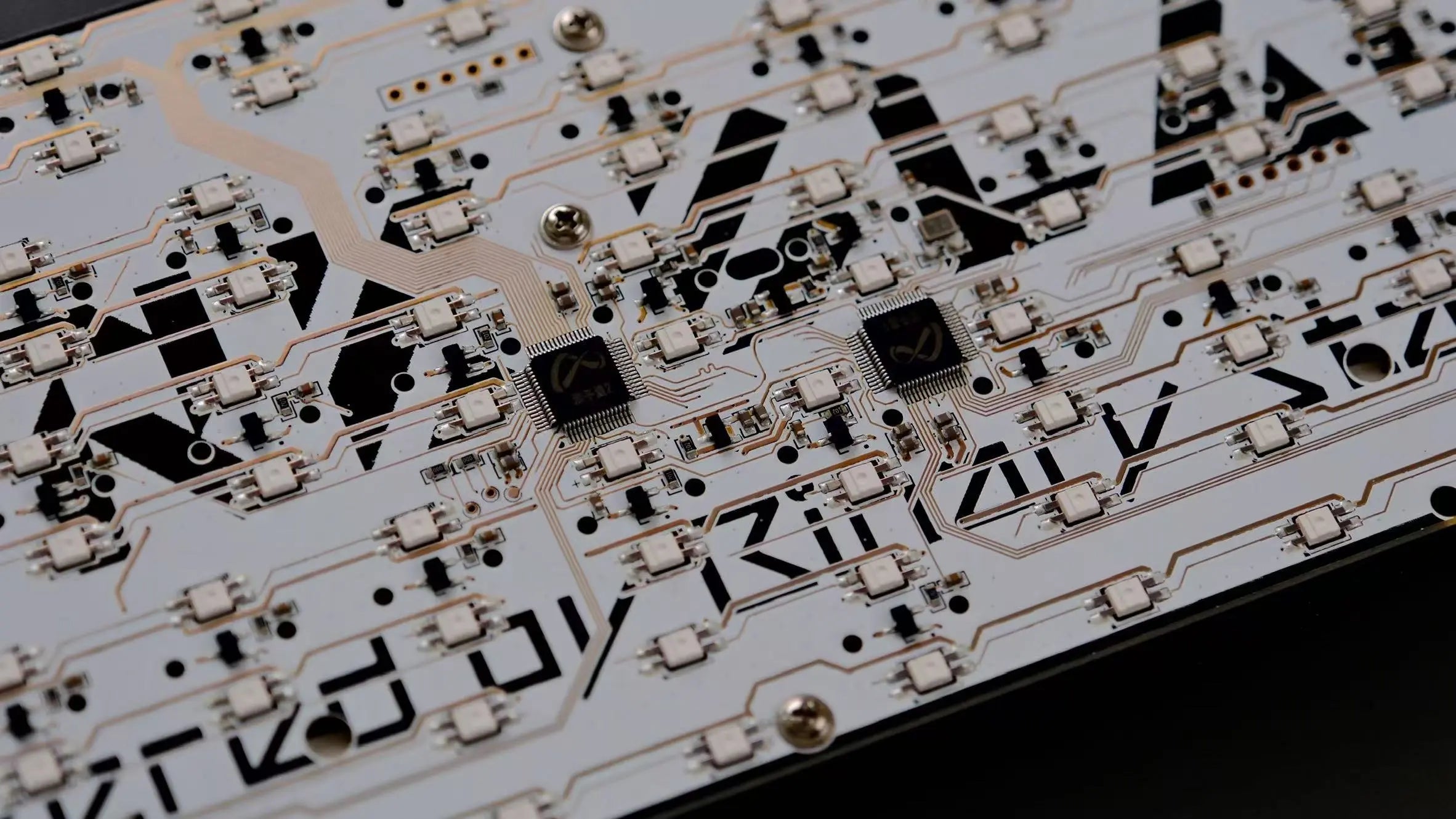
Magnetic keyboards use Hall Effect sensors to detect key movement through magnetic fields, meaning the keyboard reads the exact position of the switch throughout its travel. Because there is no metal contact, the input is smooth, fast, and extremely precise.
Traditional mechanical keyboards, on the other hand, rely on two metal leaves physically touching to register a keypress. This older design creates friction, requires debounce delay, and limits the switch to binary ON/OFF activation.
| Feature | Magnetic Keyboard (Hall Effect) | Mechanical Keyboard |
|---|---|---|
| How it works | Magnetic field + sensor | Metal leaf contact |
| Contactless? | ✔ Yes | ❌ No |
| Precision | Measures full travel (analog) | Only detects ON/OFF |
| Debounce needed | ❌ No | ✔ Yes |
| Wear over time | Minimal | Metal contacts degrade |
| Travel detection | Full range (0–4mm) | Single fixed actuation point |
🔶 2. PERFORMANCE
In real gameplay, magnetic keyboards outperform mechanical keyboards due to their zero-debounce input and fully adjustable actuation. You can set every key to activate at 0.1mm or 4.0mm depending on your preference. Magnetic switches also support Rapid Trigger and dynamic keystrokes, giving FPS players a huge advantage in movement control. Mechanical switches are limited by fixed actuation points and cannot reset instantly.
| Feature | Magnetic Keyboard | Mechanical Keyboard |
|---|---|---|
| Actuation point | Adjustable (0.1–4.0mm) | Fixed (~2.0mm) |
| Rapid Trigger | ✔ Yes | ❌ No |
| Input type | Analog & digital | Digital only |
| Debounce delay | ❌ None | ✔ Required |
| Multi-stage keys (DKS) | ✔ Supported | ❌ Unsupported |
| Per-key tuning | ✔ Extensive | ❌ Limited |

🔶 3. GAMING ADVANTAGES
For competitive gaming, magnetic keyboards offer unmatched speed and control. Rapid Trigger allows the key to reset instantly without fully releasing, which enables faster counter-strafe, tighter movement, and higher tap speeds. Analog input also gives players more control in racing, movement games, and simulators. Mechanical keyboards, while reliable, cannot match the responsiveness or versatility required in modern FPS titles.
| Gaming Feature | Magnetic Keyboard | Mechanical Keyboard |
|---|---|---|
| Counter-strafe speed | ⭐ Extremely fast | Average |
| Tapping speed | Very high | Limited by debounce |
| Analog movement | ✔ Yes | ❌ No |
| Recoil control | More precise | Moderate |
| Fortnite editing | Faster resets | Slower |
| Suitability for esports | ⭐ Excellent | Good but limited |
🔶 4. FEEL & SOUND
Because magnetic switches do not use metal-to-metal contact, their feel stays consistently smooth even after millions of presses. The sound profile is controlled by the switch housing and case design, not by physical electrical contact, meaning the sound remains stable over years. Mechanical keyboards can develop scratchiness, spring ping, and inconsistent sound as the switches wear down.
| Aspect | Magnetic Keyboard | Mechanical Keyboard |
|---|---|---|
| Smoothness | Very smooth | Switch-dependent |
| Consistency | Stays consistent for years | Changes with wear |
| Sound stability | High | Can degrade (ping, crunch) |
| Switch feel | Uniform | Varies switch to switch |
| Lubing needed | Optional | Often needed |
🔶 5. DURABILITY
Magnetic keyboards are contactless, which means there is almost zero physical wear on the internal components. This makes their lifespan extremely long—often beyond 100 million keypresses—without changes in feel or performance. Mechanical switches use metal contacts that gradually wear down, leading to inconsistent feel, double-typing issues, or decreased switch performance over time.
| Durability Factor | Magnetic Keyboard | Mechanical Keyboard |
|---|---|---|
| Contactless | ✔ Yes | ❌ No |
| Lifespan | 100M+ presses | 50M–80M presses |
| Performance degradation | Very low | Moderate–high |
| Long-term consistency | Excellent | Varies heavily |
| Failure points | Almost none | Metal contacts, springs |
🔶 6. SOFTWARE FEATURES
Magnetic keyboards are built with modern gaming software in mind. They support advanced features like Rapid Trigger, multi-stage DKS actions, Safe Zone tuning, SOCD cleaning, and analog profiles. Mechanical keyboards typically focus on RGB, macros, and basic remapping, offering far less control or customization. Magnetic keyboards give gamers complete control over how each key behaves.
| Software Feature | Magnetic Keyboard | Mechanical Keyboard |
|---|---|---|
| Rapid Trigger control | ✔ Yes | ❌ No |
| Per-key actuation | ✔ Adjustable | ❌ Fixed |
| Analog mode | ✔ Supported | ❌ Unsupported |
| DKS (multi-stage) | ✔ Available | ❌ Not available |
| Safe Zone | ✔ Yes | ❌ No |
| SOCD/ Snappy Tappy | ✔ Multiple modes | ❌ None |
| RGB & macros | ✔ Yes | ✔ Yes |
🔶 7. WHO SHOULD BUY WHAT?
Magnetic keyboards are ideal for competitive FPS gamers, streamers, and anyone who wants maximum speed, precision, and customizability. They are the future of performance gaming. Mechanical keyboards remain great for typists, office users, and those who love specific tactile or clicky switch feels. Both have their place—but they serve very different purposes.
| User Type | Best Choice | Why |
|---|---|---|
| Competitive FPS players | ⭐ Magnetic | Faster resets, better movement |
| Rhythm gamers | Magnetic | Higher tap speed |
| Racing / simulators | Magnetic | Analog input |
| Streamers | Magnetic | Performance + consistency |
| Typists / office use | Mechanical | Tactile feel preference |
| Budget buyers | Mechanical | Cheaper options |
Conclusion
Magnetic keyboards don’t replace mechanical keyboards — but they completely elevate what’s possible in gaming. If you want speed, control, and precision, magnetic keyboards like the MorkBlade MK60 HE offer technology that mechanical switches simply can’t match.
Mechanical keyboards will always have their place for typing, sound, and switch variety. But for competitive gaming performance, the future is definitely magnetic.

Leave a comment
This site is protected by hCaptcha and the hCaptcha Privacy Policy and Terms of Service apply.